


Have a WOLFBOX model like G900, G850, or G840? This section lists model-specific fixes, feature tips, and connection guidance to help you get the best experience.
This section covers questions that apply only to specific product models or series.
Please note: the community does not provide live customer service.
For detailed specifications, firmware files, accessories, or after-sales support, visit our Self-Service Support Center. You can also explore more model-related FAQs here, or Contact Us directly to register your order or get personalized help.
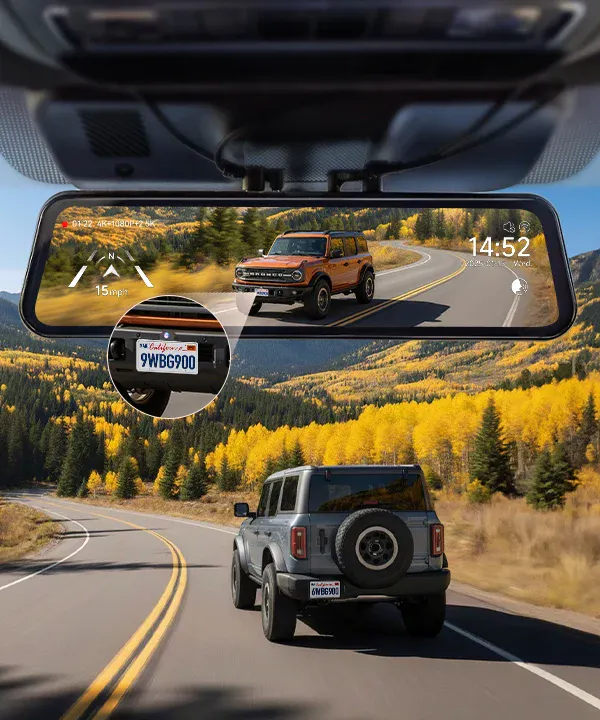
Q1: The rear or third camera image is missing in 3-channel mode.
A: Make sure the front, rear, and third (cabin or bumper) cameras are all connected to the correct ports labeled Front / Rear / Cabin. A loose connection can cause the image to disappear. Swipe left or right on the screen to switch between views.
Q2: The rear camera image is mirrored.
A: Go to Settings > Flip Image > Rear Camera Mirror, and select the correct orientation to fix it.
Q3: The app shows “incorrect password” when connecting via Wi-Fi.
A: The default Wi-Fi password is 12345678. If it was changed, go to Wi-Fi Settings > Reset Password on the dash cam to restore it and reconnect.
Q1: The screen is black after startup but audio keeps recording.
A: The Screen Saver function may be on. Press the power button briefly to wake it, or turn off Screen Saver in Settings.
Q2: No parking guide lines appear when reversing.
A: Make sure the red trigger wire is connected to the reverse-light positive wire, and enable Reverse Display in Settings.
Q3: The rear camera shows “no signal.”
A: Check that the cable is firmly connected to the Rear IN port. If using an extension cable, tighten the connector. You can swap front and rear inputs to test the cable.
Q1: The screen flickers or shows horizontal lines.
A: Go to Settings > Anti-Flicker and select the frequency matching your region (50 Hz or 60 Hz).
Q2: The GPS cannot get a signal.
A: Make sure the external GPS module is connected properly. The first fix may take 1–2 minutes. Check signal status under Settings > GPS Info.
Q3: The device restarts by itself.
A: Verify stable power input. Use the original car charger or WOLFBOX hardwire kit to prevent voltage fluctuations.
Q1: The screen brightness changes automatically.
A: Auto-brightness adjustment is enabled by default. You can disable it under Settings > Display > Auto Brightness.
Q2: The rear camera image looks foggy or blurry.
A: Clean the lens and remove any protective film. If fogging occurs, use the car’s defogger or activate the camera’s defog function briefly.
Q3: The parking monitor keeps triggering alerts.
A: Lower the G-Sensor sensitivity or turn off Parking Mode when parked in high-vibration areas.
If you require firmware downloads, accessory replacements, or warranty service, please use the Support Center to create a ticket or access full documentation. You can also Contact Us directly, or visit the FAQ Main Page for more model-specific topics.
