


We see a lot of discussions around SD cards filling up with locked files or cameras missing crucial parking lot bumps. Usually, it comes down to how your G-sensor and visual motion detection are interacting. They handle completely different triggers, and getting them dialed in prevents your dash cam from becoming a nuisance rather than a tool.
Here is a breakdown of how these two systems operate and how to tune them for your rig.
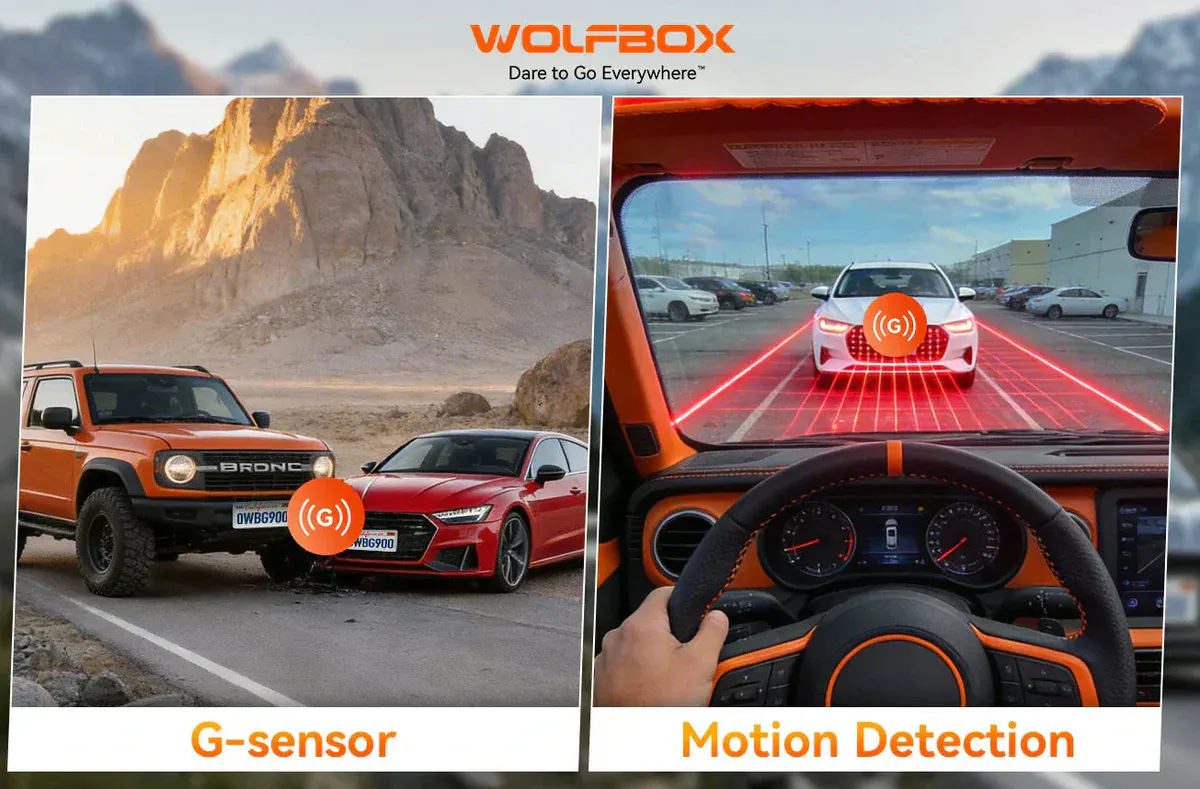
G-Sensor (Accelerometer)
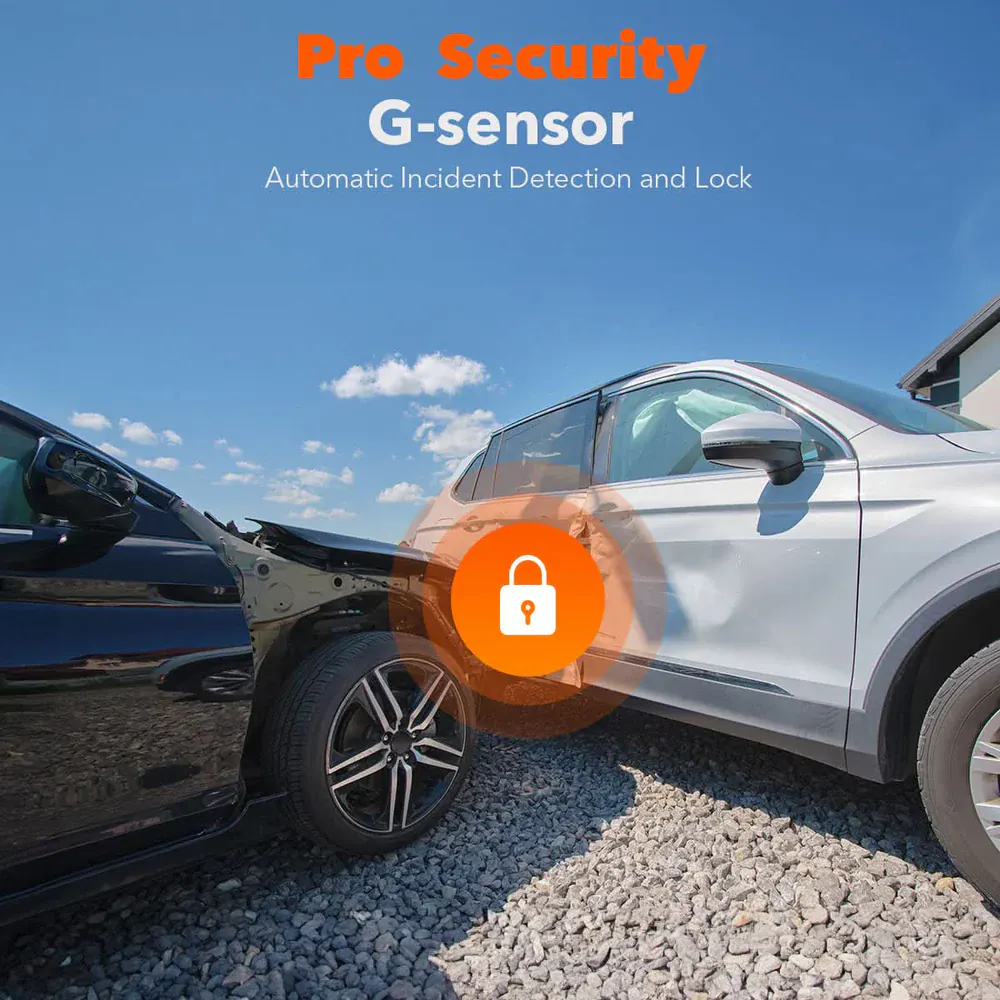
Trigger Mechanism: Physical force (impacts, hard braking, potholes).
Primary Function: Instantly locks the current video file to prevent loop-overwrite.
Core Limitation: Over-sensitivity. A washboard dirt road can fill an SD card with locked files if set too high.
Motion Detection (Visual)
Trigger Mechanism: Pixel changes in the camera's Field of View (FOV).
Primary Function: Wakes the camera to start recording when movement is detected.
Core Limitation: False triggers. Rain, moving shadows, or branches blowing in the wind can cause continuous recording.
Your settings should change based on whether you are daily driving, hitting trails, or leaving the vehicle parked for days.
City/Highway Driving: Medium sensitivity is generally the sweet spot. It captures legitimate impacts or emergency braking without locking a file every time you hit a bridge expansion joint.
Off-Road/Overland: Turn it down to Low. If you are running trails, corrugated gravel, or airing down for rocks, a medium or high setting will trigger constantly.
Parking Mode Only: Motion detection is strictly for when the vehicle is stationary. It shines when parked, capturing people approaching the vehicle or cars pulling into adjacent spots.
Placement & Environment: Avoid pointing the camera directly at high-traffic pedestrian areas, trees, or areas with rapidly shifting light/shadows if you want to avoid draining your battery or filling the card with useless clips. If your system supports specific "person" or "vehicle" detection algorithms, enable them to filter out the noise.
Relying solely on visual motion detection in a busy area or during a storm is a good way to exhaust your storage and power. A more reliable setup for long-term parking is combining Time-Lapse recording with the G-Sensor.
Many systems, including Wolfbox dash cams, handle this natively. The camera records a continuous low-framerate time-lapse (saving massive amounts of space) while the G-sensor remains active in the background. If someone backs into your bumper, the physical impact triggers the G-sensor to instantly lock that specific timeframe. You get the full visual context of the day without the heavy storage overhead of standard motion detection.
How are you guys managing your parking mode storage on extended trips or daily commuting? Are you running time-lapse with a low G-sensor threshold, or relying strictly on visual motion detection? Drop your setups below.
