


In this feature, we are highlighting a brilliant installation showcased by the YouTube channel All About RV's. They faced a common problem: how to maintain a clean, wire-free dashboard while towing a massive 5th wheel.
The solution? A custom, pro-level modification using the Wolfbox G900 TriPro to create a seamless "Quick-Disconnect" system between the truck and the RV. Here is how they did it.
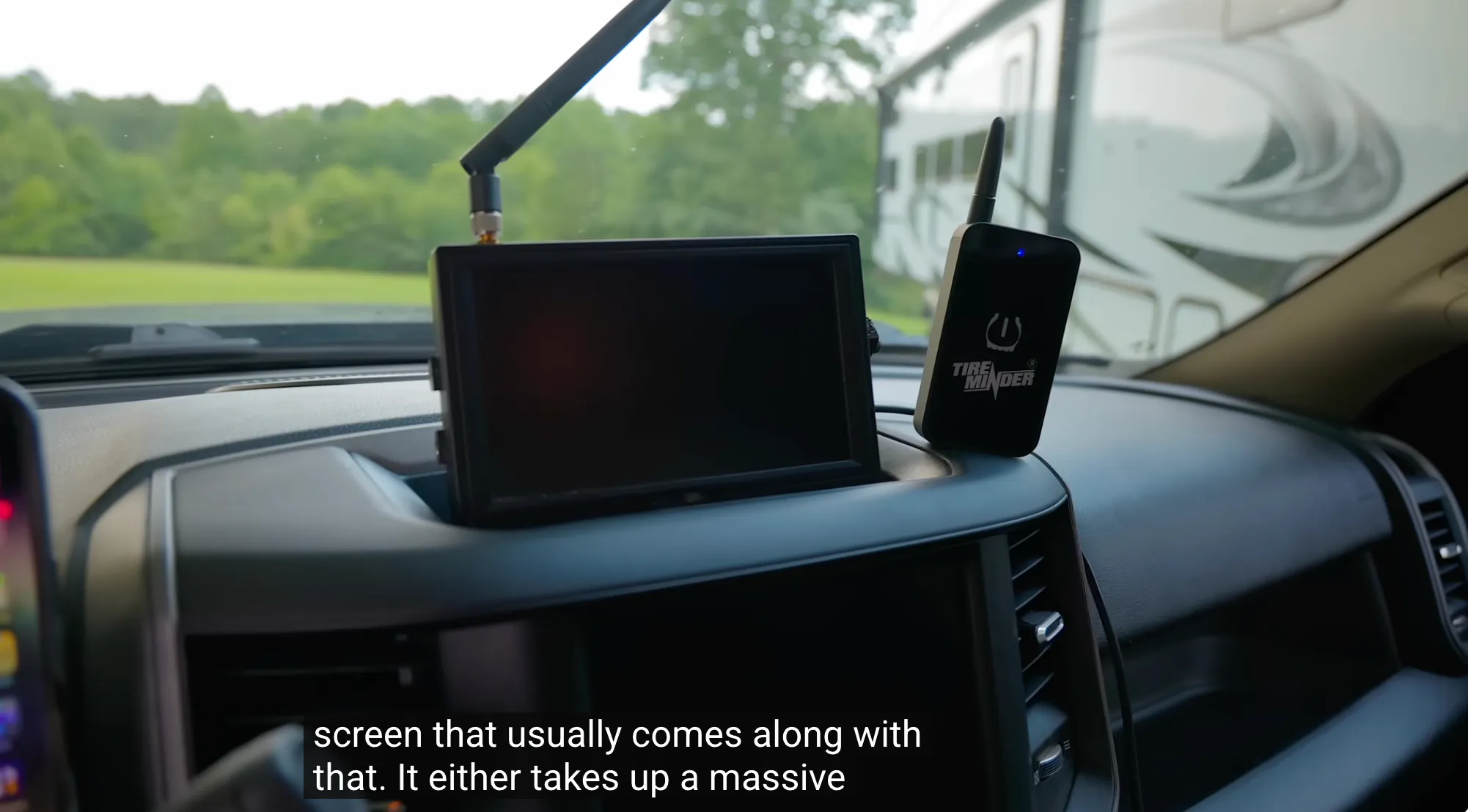
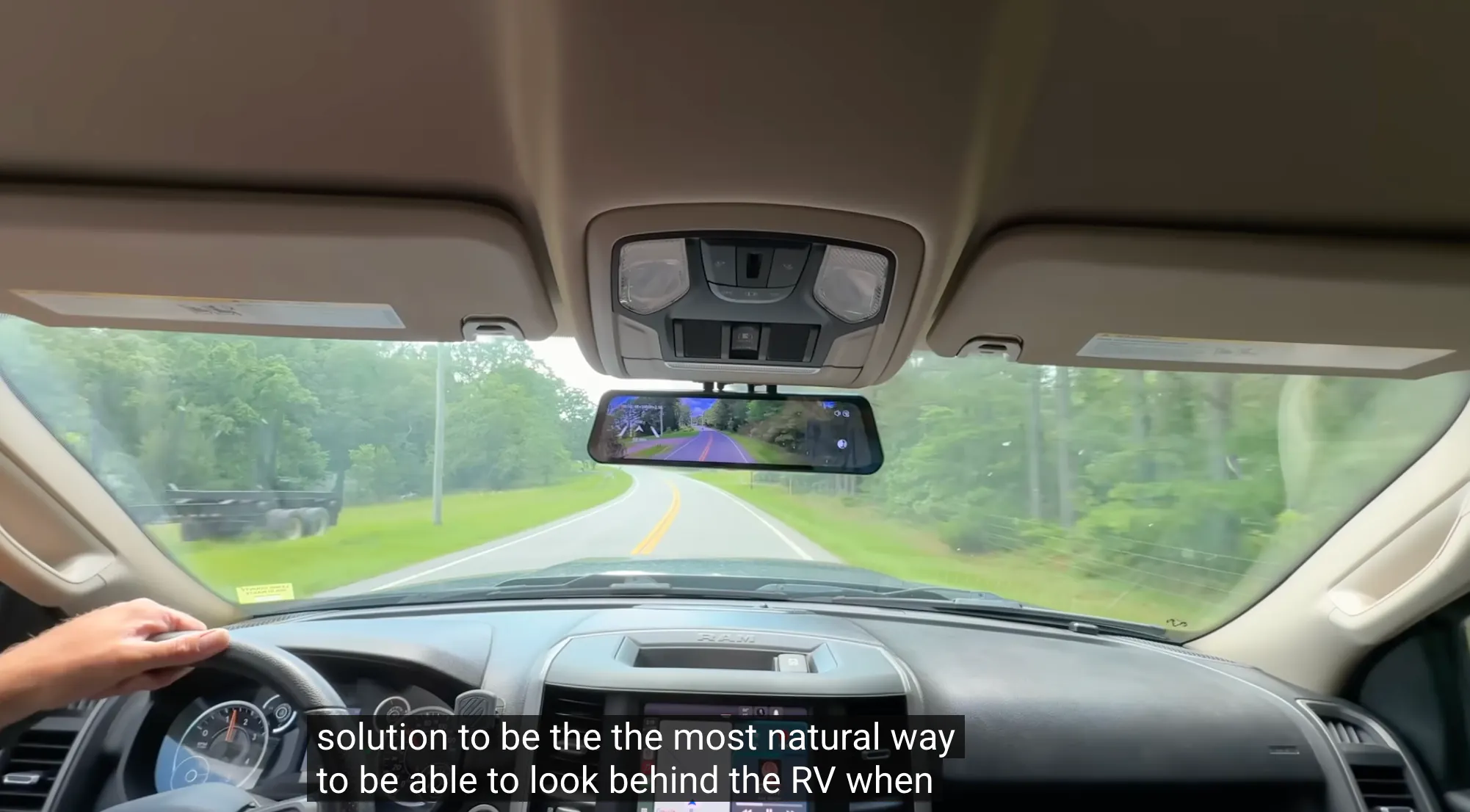
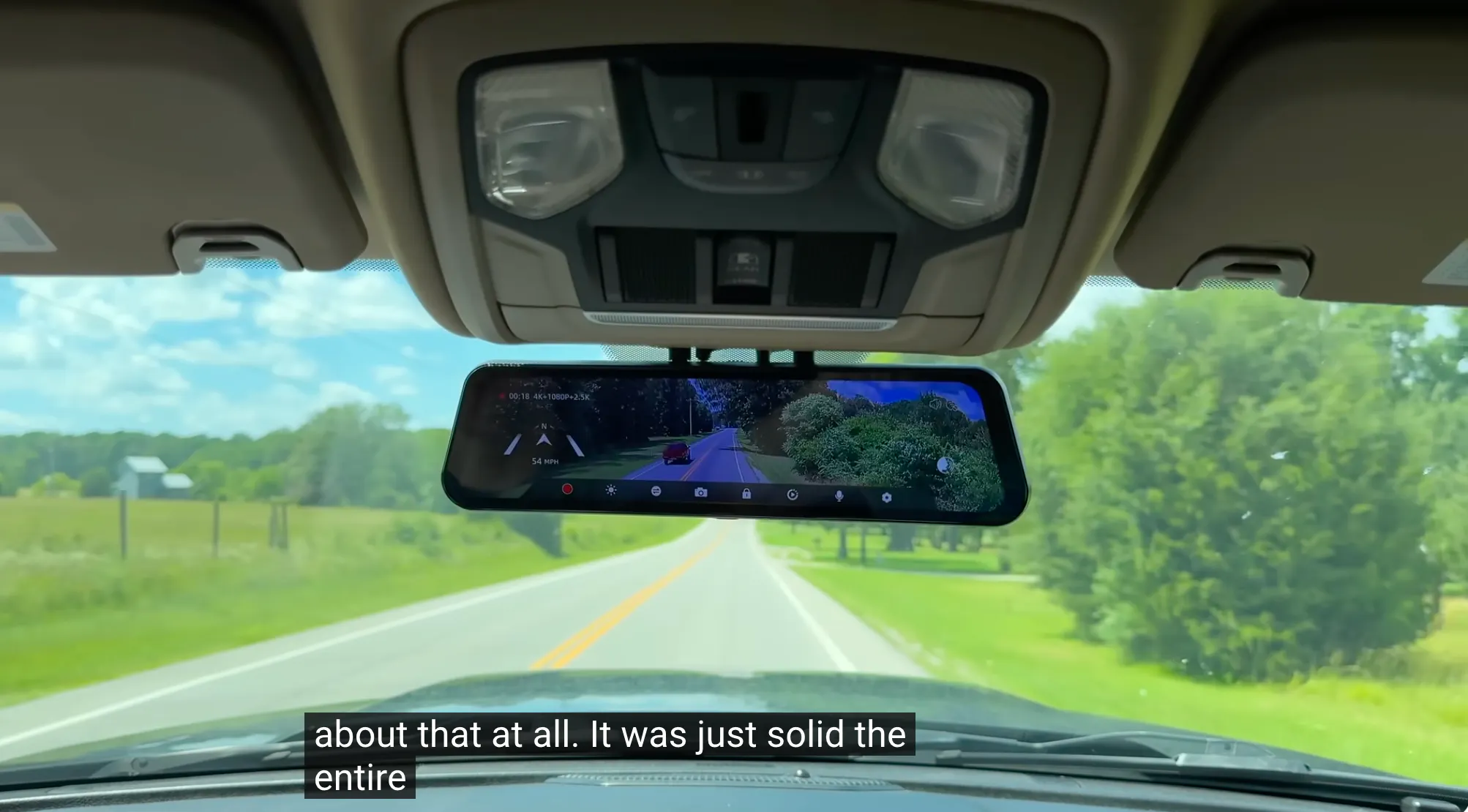
⏱️ [Video Start: 00:01:45] The goal was to eliminate the bulky, vision-blocking monitors that usually come with RV observation cameras. By replacing the factory mirror with the G900 TriPro, All About RV's achieved a streamlined setup that combines:
Front Dash Cam (4K)
Rear Camera (for the truck)
RV Camera (for towing) All displayed on one factory-looking mirror.
⏱️ [Video Start: 00:06:58] This is the highlight of the video. To solve the issue of connecting a wired camera between a truck and a trailer, the channel didn't settle for dangling wires. They used 4-Pin Waterproof Aviation Connectors.
The Idea: Create a dedicated port in the truck bed that allows the driver to physically swap camera feeds in seconds.
Why It Works: It provides a solid, hardwired connection (zero lag) that is often more reliable than wireless systems, which can drop signal on long RVs.
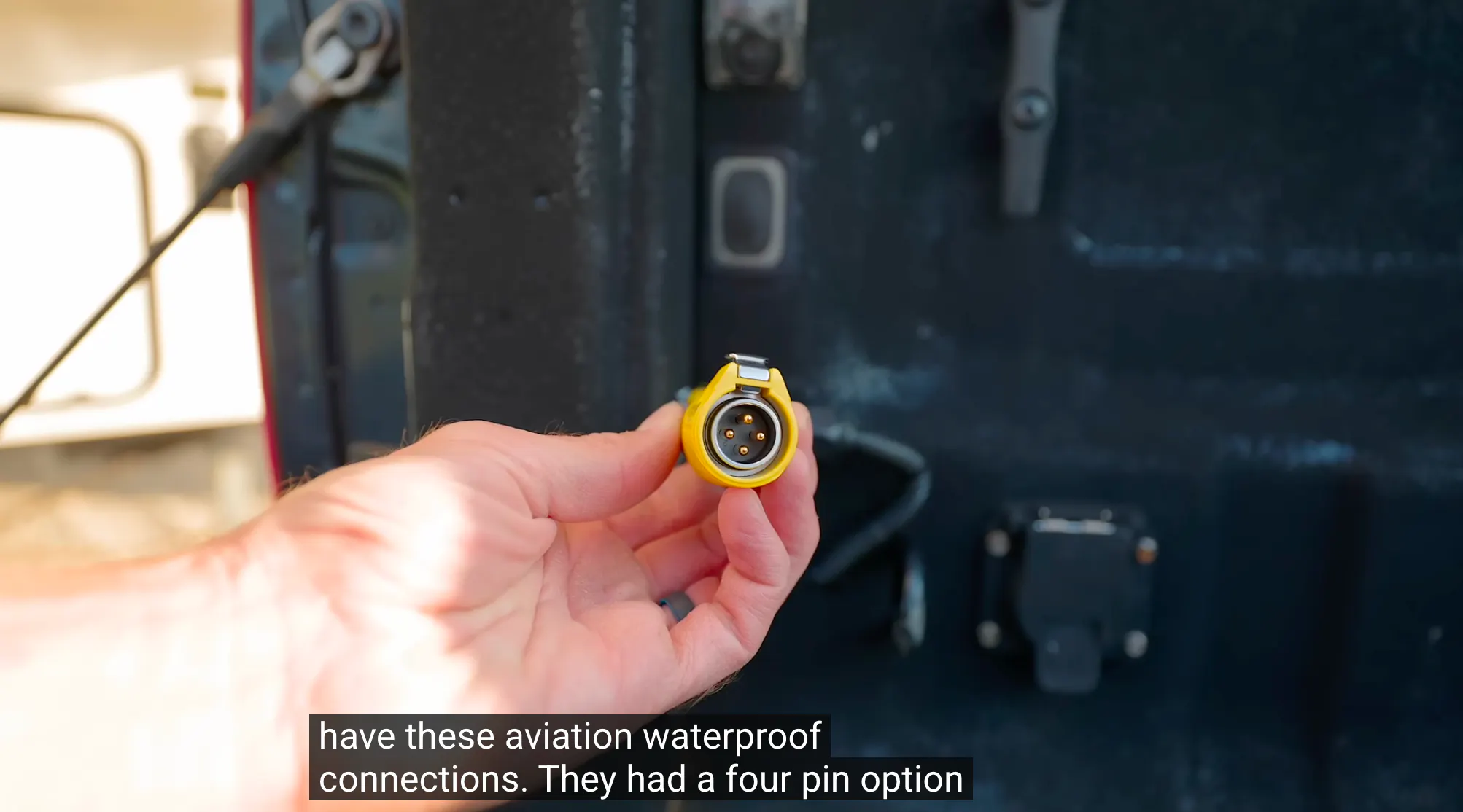
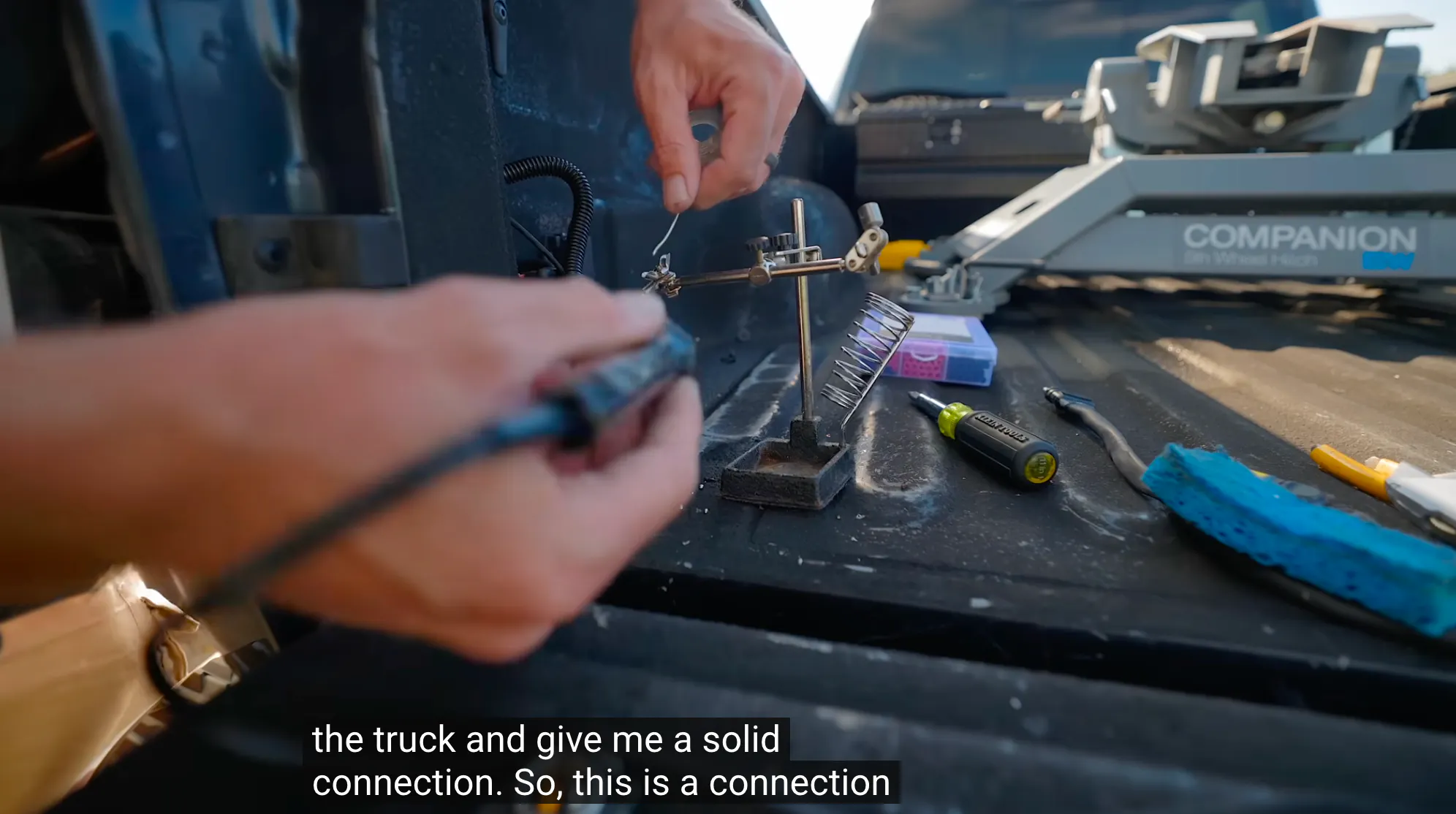
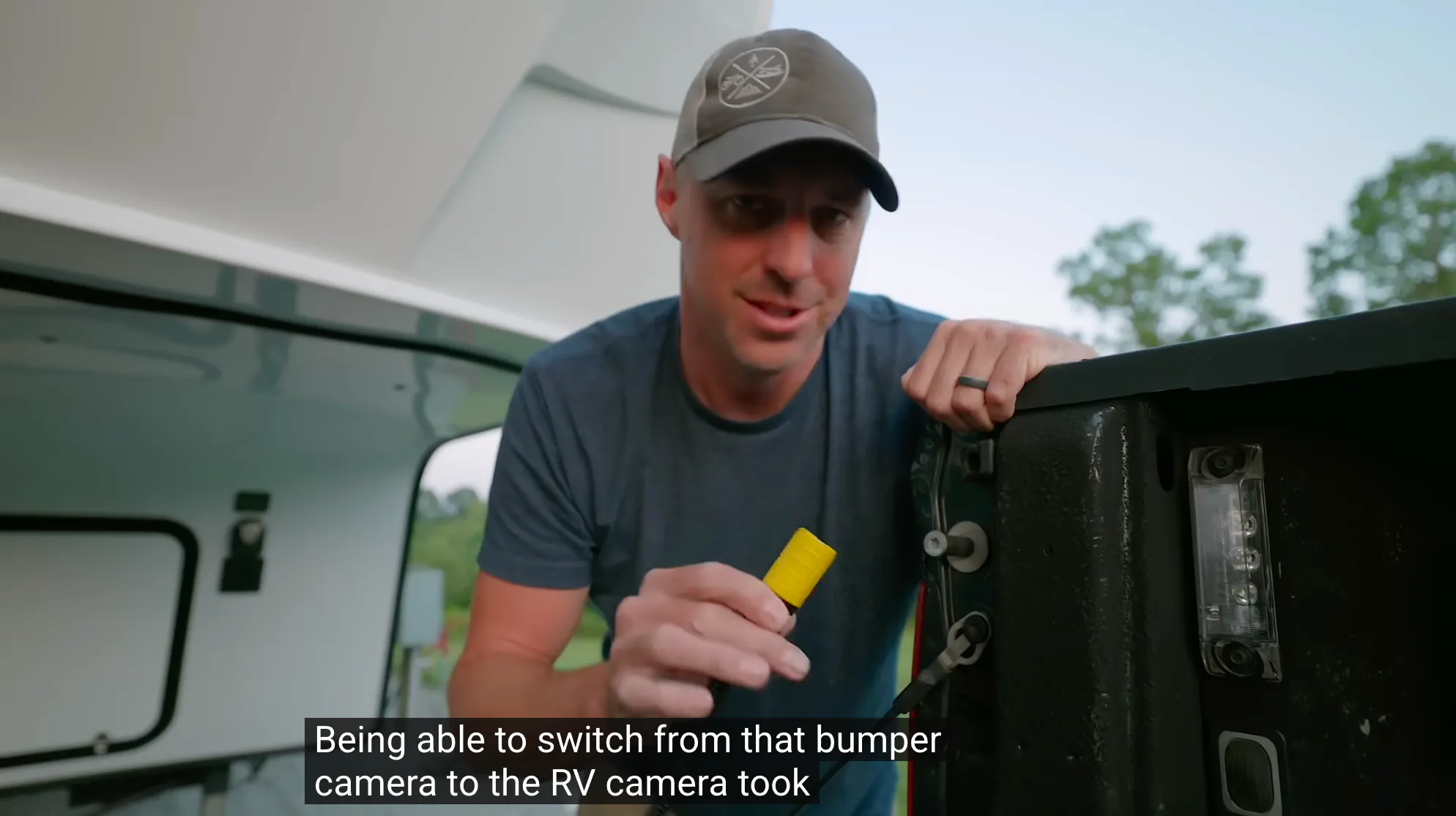
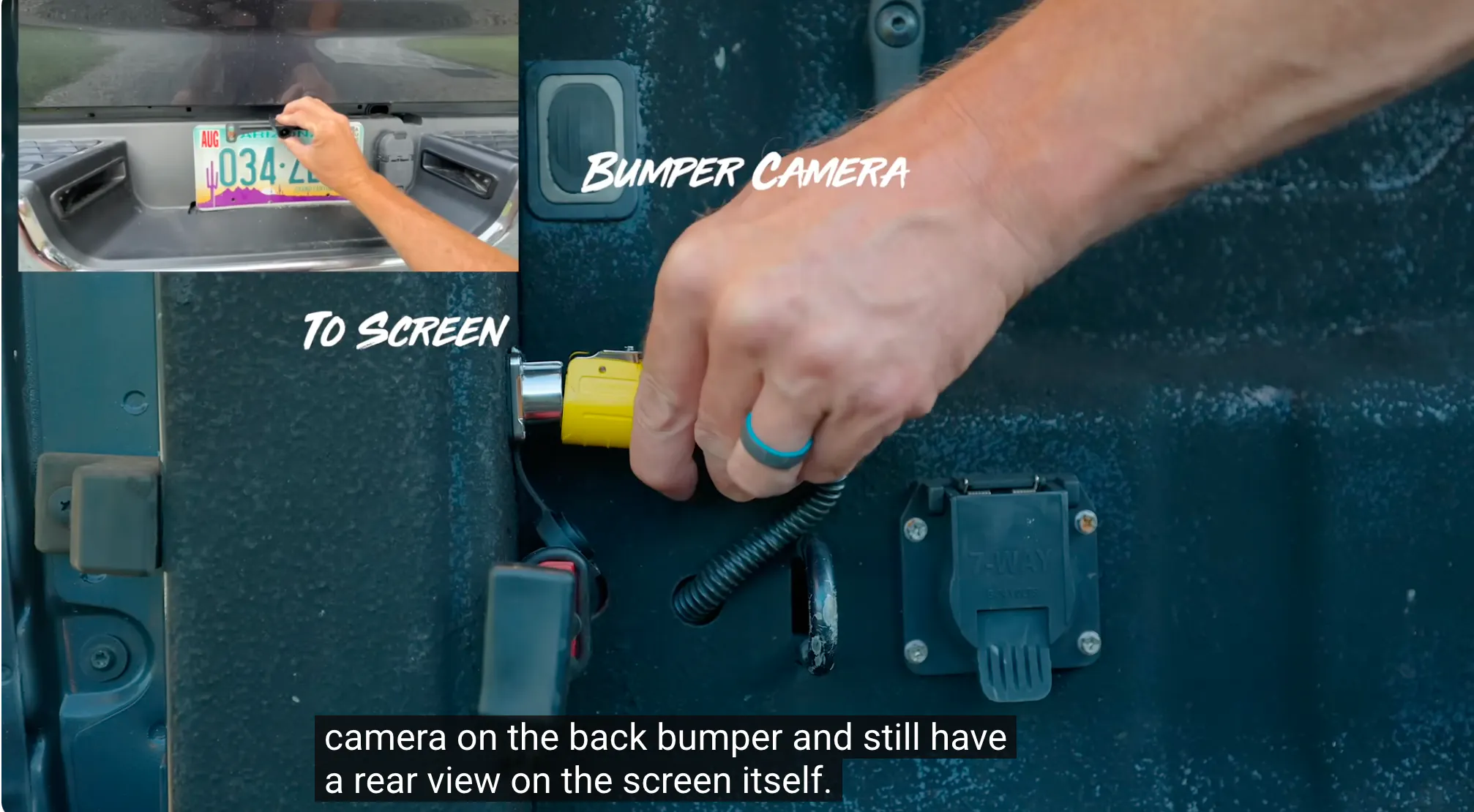
⏱️ [Video Start: 00:07:37] They mounted the female end of the aviation connector directly into the wall of the truck bed, right next to the standard 7-way trailer plug.
The Custom Wiring: The Wolfbox extension cable was cut and soldered to the back of this port.
Dual-Function: This port allows the driver to plug in a Truck Bumper Camera when driving solo (for hitching or parking), and then swap to the RV Rear Camera when it's time to tow.
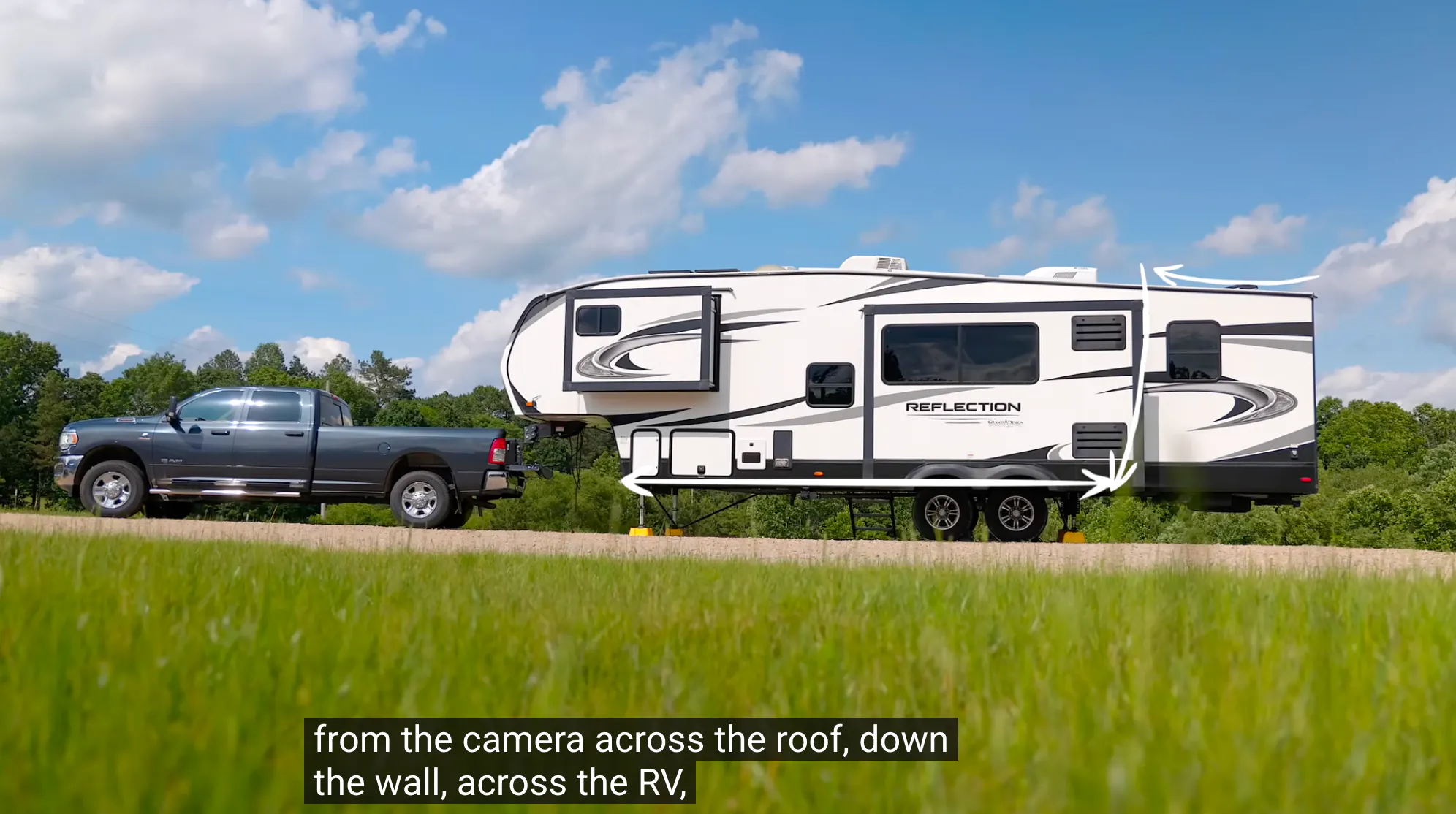
⏱️ [Video Start: 00:06:17] For the trailer itself, the Wolfbox rear camera was mounted high up on the back wall of the RV.
Routing Trick: Instead of drilling unnecessary holes, they utilized existing vents and cabinets to fish the wire down to the underbelly, running it all the way to the front pin box.
The Connection: The RV cable ends with the matching Male Aviation Plug, ready to snap into the truck bed port.
⏱️ [Video Start: 00:07:20] The beauty of this mod is the simplicity.
Daily Driving: The truck bumper cam is plugged in, giving a clear view behind the tailgate.
Towing Mode: When hooking up the 5th wheel, the driver simply unplugs the bumper cam and plugs in the RV coil cable at the same spot they connect the trailer brakes.
Result: Instant high-definition, hardwired video from the back of the RV on the rear-view mirror.
⏱️ [Video Start: 00:08:04] All About RV's concludes that while wireless extenders exist, the effort to hardwire the system using this custom disconnect method provided a superior experience. The video feed is stable, clear, and free of the interference common with long-distance wireless setups.
🛠️ Your Turn! We love seeing how creative this community gets with their installs.
What’s the coolest custom mod you’ve done to your Wolfbox setup?
Have you found a unique way to hide your wires?
Share a photo of your rig or your setup in the comments! Let’s inspire each other. 📸🚐
