


In this guide, we’re walking through the installation of the Wolfbox G900 TriPro system on a 2022 Toyota Tacoma. We will cover mounting the front bumper camera, rear camera, GPS module, and the complete hardwire kit connection. While this demo uses a Tacoma, the general steps apply to many similar trucks.
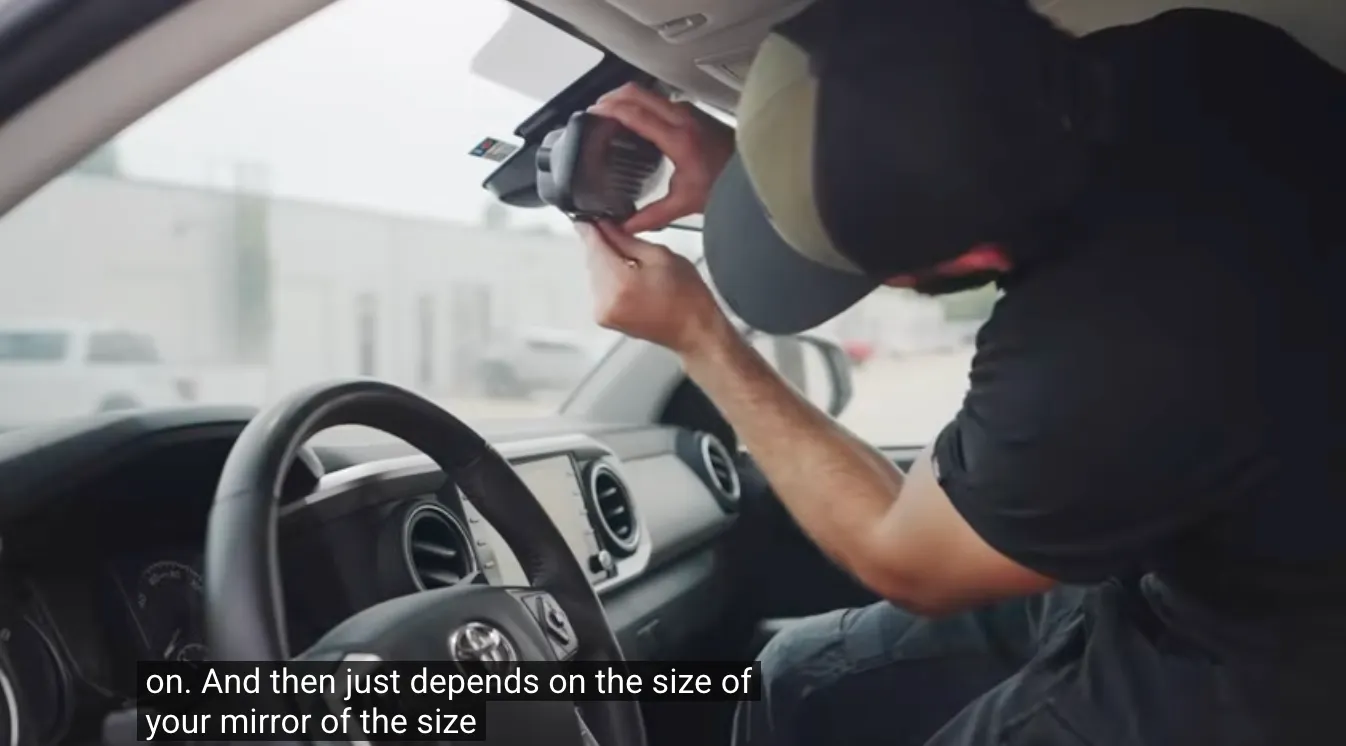
The G900 main unit is designed to strap directly over your existing factory rear-view mirror, so there is no need to remove the original mirror.
Check the Fit: The kit comes with two different sizes of silicone rubber straps. Test them against your mirror’s thickness to see which provides a tighter fit.
Secure It: Loop the straps around the back of your factory mirror to lock the G900 unit in place. It should feel stable and cover the original glass completely.
📷Video Start: 00:00:16
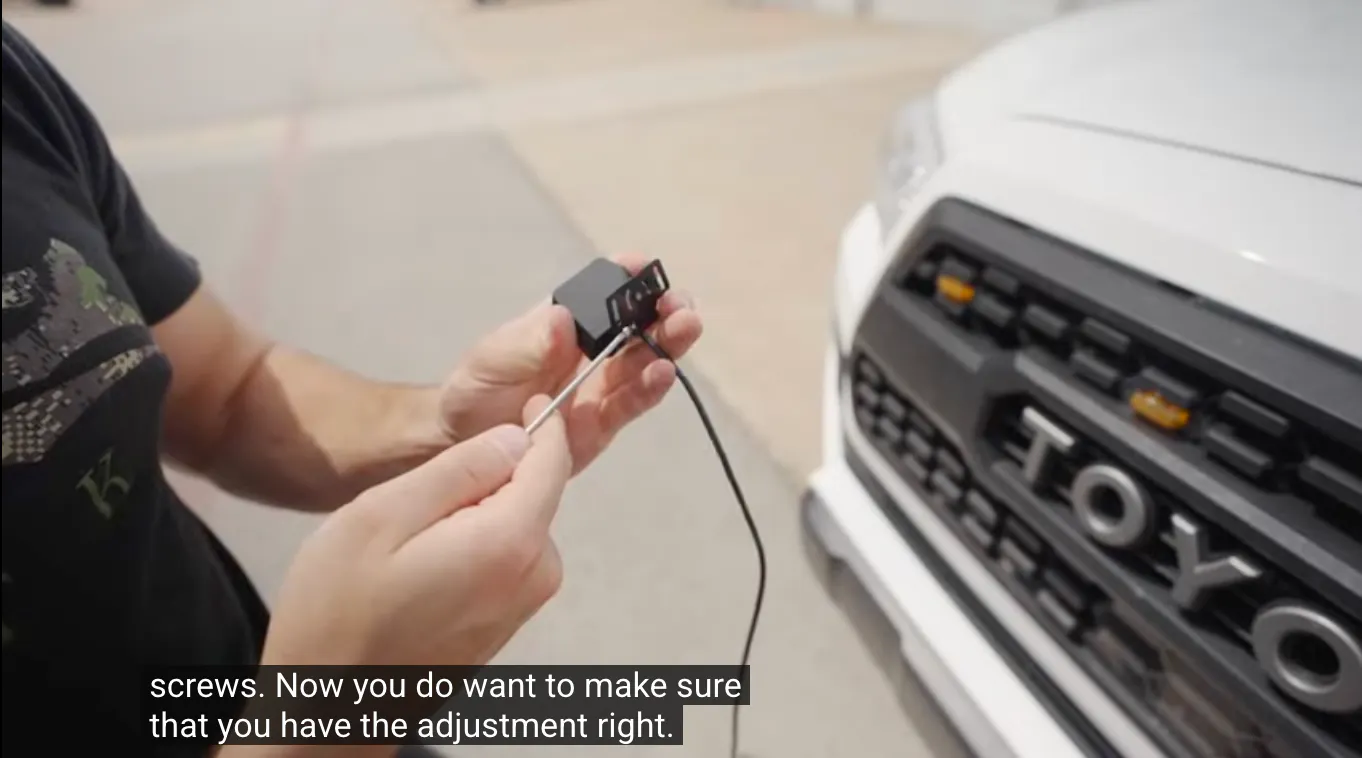
Unlike standard dash cams, the TriPro system features a separate front camera that can be mounted on the bumper for a unique perspective.
Mounting Options: You can attach the bracket using the provided double-sided adhesive tape for a quick install, or use the included screws for a more permanent hold on the bumper.
Leveling is Key: The bracket features a hinge for angle adjustment. Important: Make sure the camera sits level before securing it. If it’s angled too far down, your footage will mostly show the ground rather than the road ahead.
Initial Routing: Feed the camera wire through the front grille mesh so you can easily access it from inside the engine bay in the next step.
📷Video Start: 00:00:36
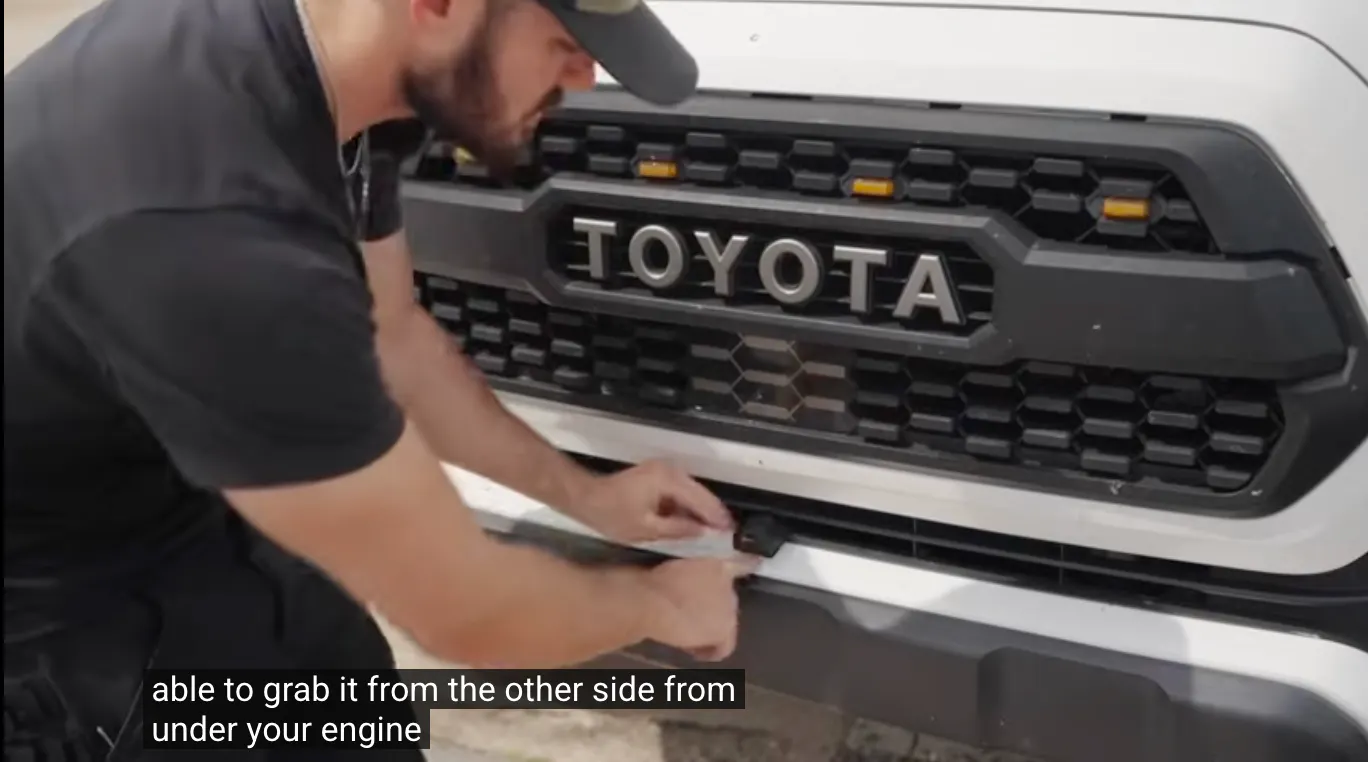
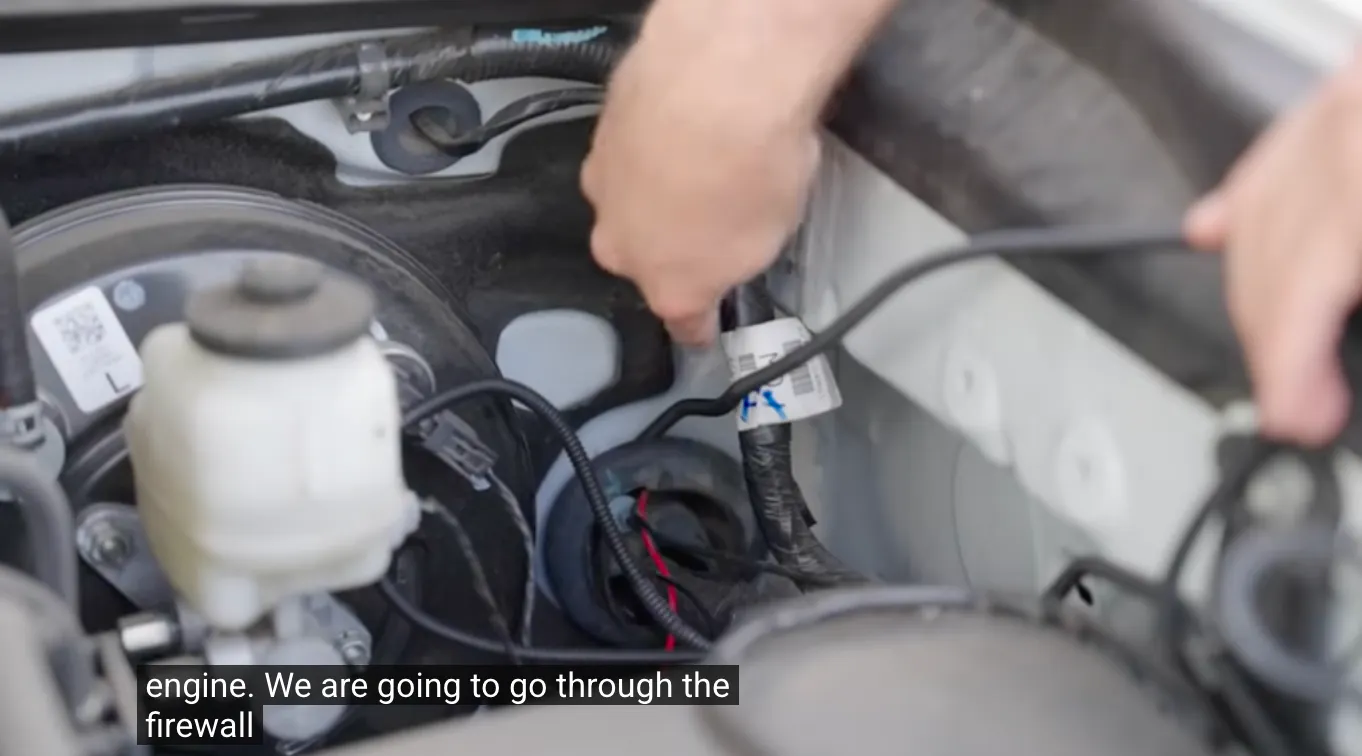
Now, open the hood to retrieve the wire you just pushed through the grille.
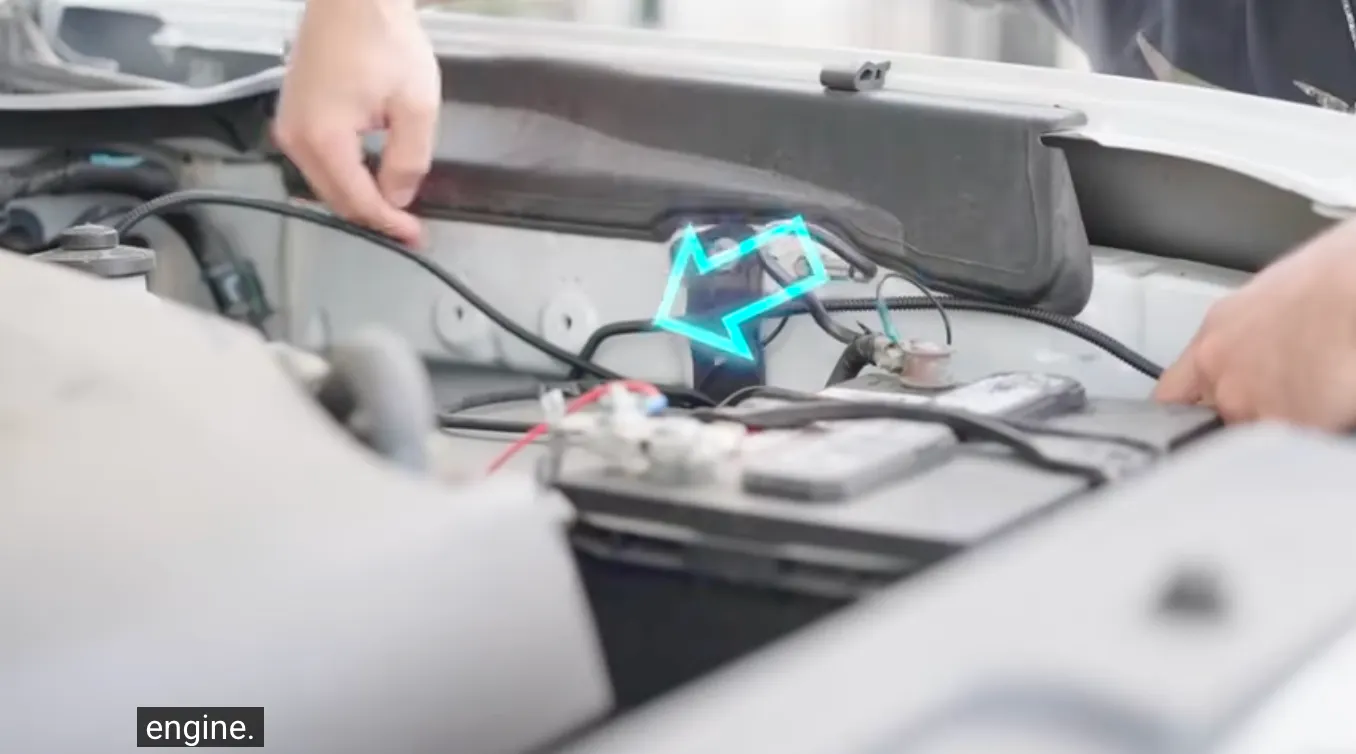
Safety First: When pulling the cable through the engine bay, be extremely careful to route it away from high-heat areas like the engine block and the radiator, as well as the battery terminals. Use zip ties to secure it to existing safe wiring.
Through the Firewall: Locate the main rubber grommet on the firewall. You will need to poke the wire through this opening to pass it from the engine bay into the driver-side floorboard area.
Connection & Protection: Once inside the cab, connect the bumper camera wire to the extension cable leading to the mirror.
Pro Tip: Wrap this connection point with electrical tape. This ensures the plug stays connected and adds a layer of water/dust resistance.
Final Tuck: Run the wire up the A-pillar, tucking it behind the trim, and plug it into the top of the mirror unit.
📷Video Start: 00:01:06
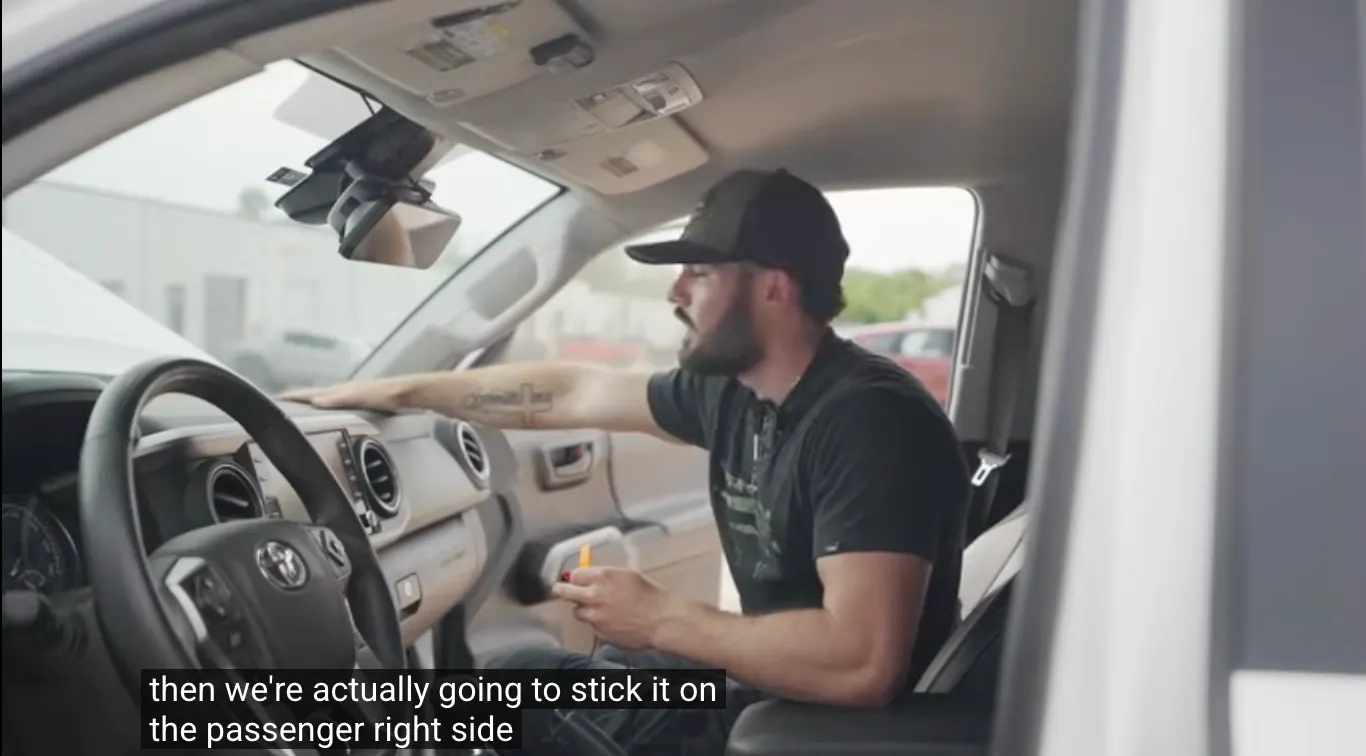
The GPS module provides speed and location data for your recordings.
Plug & Play: Insert the GPS connector into the designated port on the top of the mirror unit.
Routing: Hide the wire by tucking it into the headliner and running it down the A-pillar (similar to your power cable).
Placement: In the video, we mount the module on the passenger-side dashboard. This position generally offers a clear view of the sky for better signal reception.
📷Video Start: 00:02:35
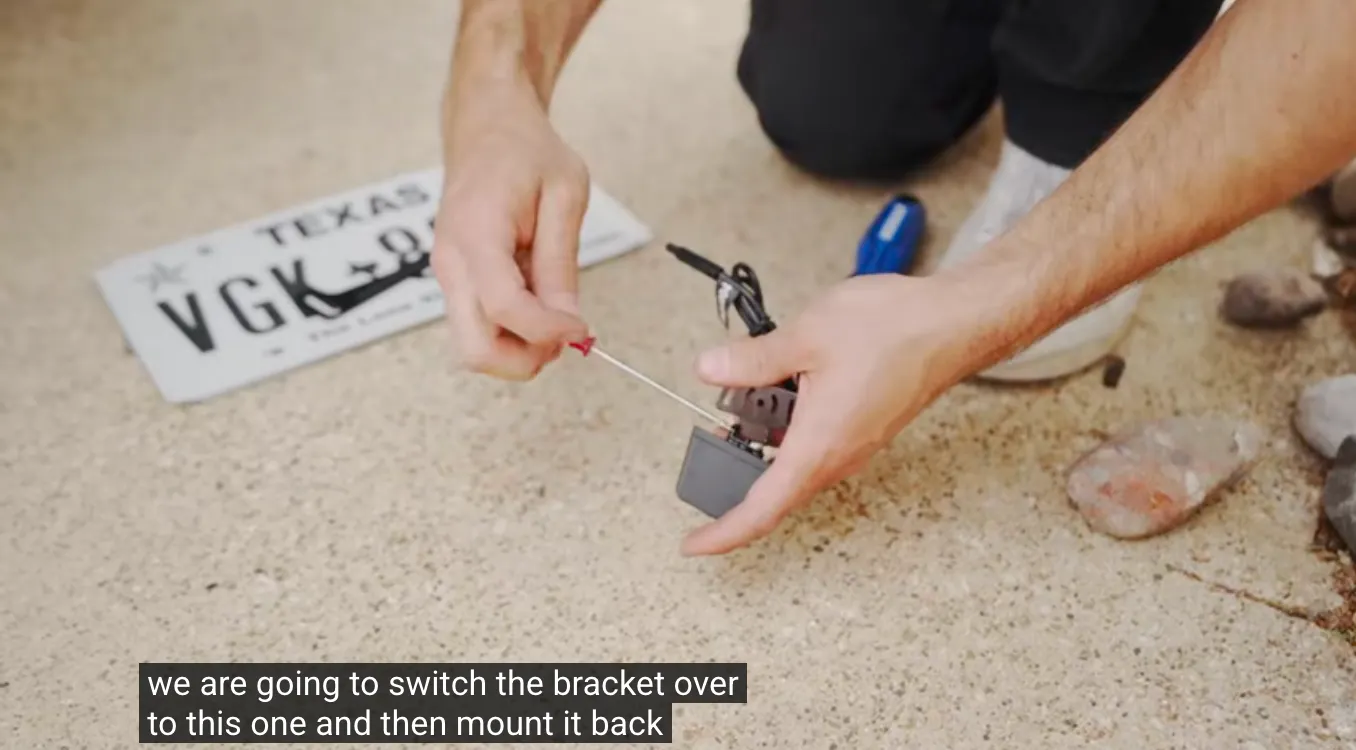
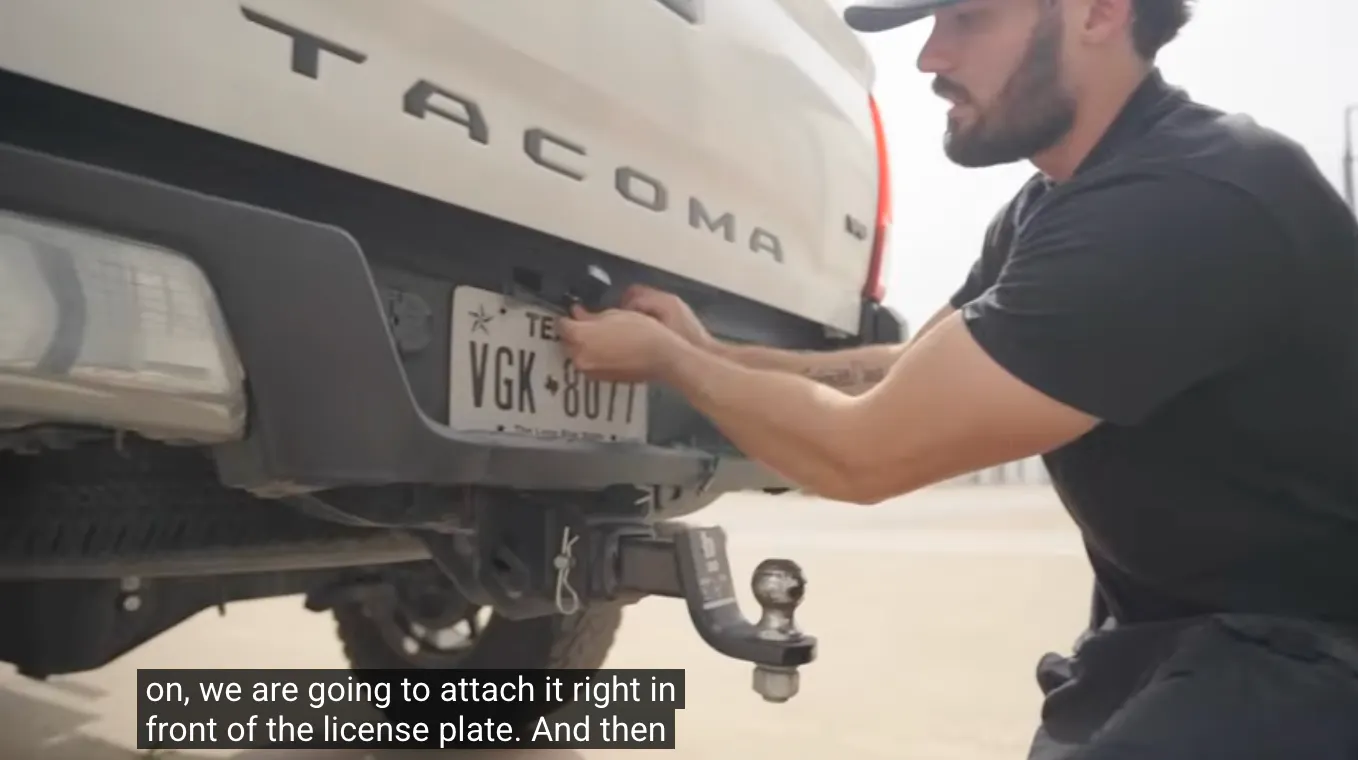
For a clean look, we recommend replacing the factory license plate bracket with the one included in the Wolfbox kit.
Swap the Bracket: Unscrew your license plate and remove the original bracket.
Install: Attach the Wolfbox camera bracket in its place using the original mounting holes.
Finish: Mount the rear camera to this new bracket and screw your license plate back on. This setup keeps the camera centered and avoids drilling new holes in your truck body.
📷Video Start: 00:02:55
To automatically switch the screen to the backup camera view when you put the truck in reverse, you need to connect the Red Trigger Wire.
Locate the Power: Remove the tail light housing and identify the power wire connected to the reverse bulb (in this video, we check the bottom bulb).
Splicing: Carefully strip a small section of insulation from the truck's reverse light wire to expose the copper.
Connect: Fan out the strands of the Wolfbox red trigger wire and twist them securely around the exposed section of the tail light wire.
Secure: Wrap the connection tightly with electrical tape (or use solder/shrink wrap if preferred) to prevent moisture from corroding the connection.
📷Video Start: 00:04:45
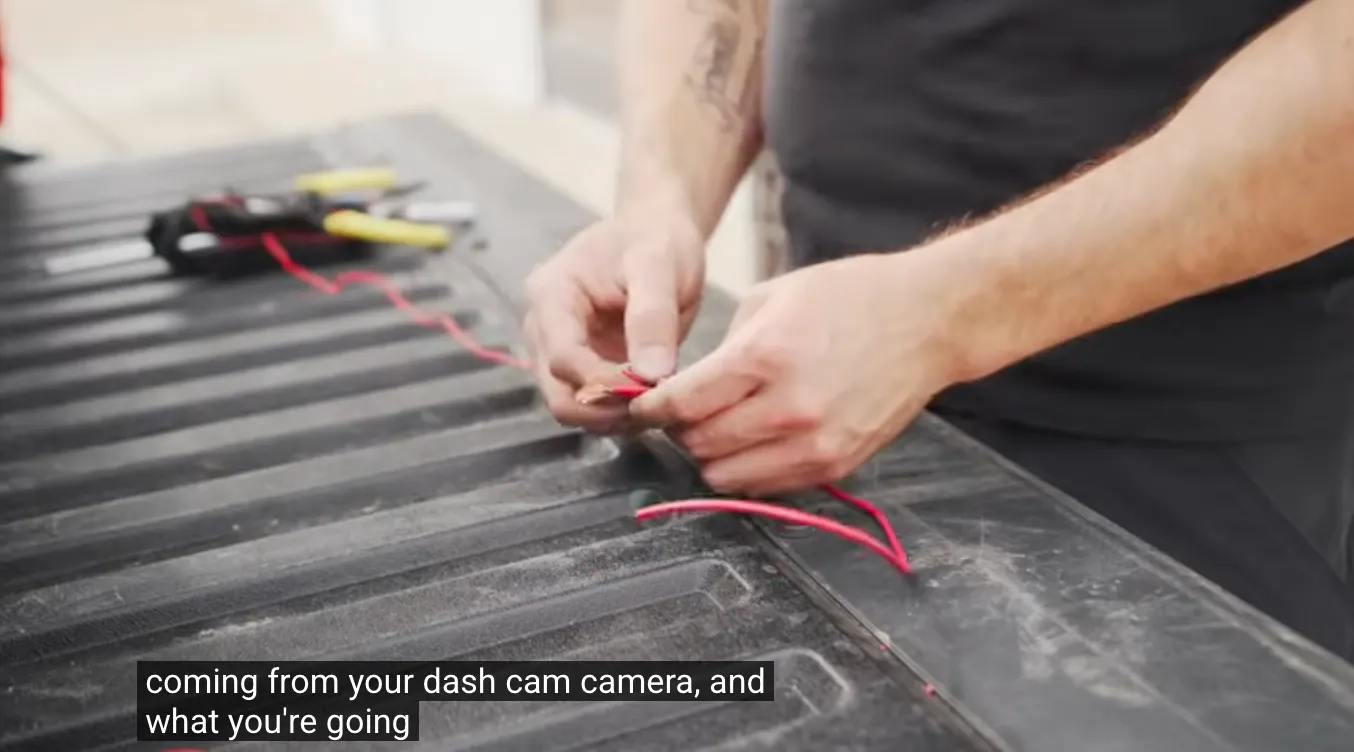
Now you need to run the video cable from the rear bumper all the way to the mirror.
Follow the Frame: Route the cable along the underside of the truck. The safest path is to follow the factory wire harness along the frame rail, using zip ties to keep it secure.
Entering the Cab: Look for a silicone grommet or drain plug under the cab floor (typically found under the rear passenger seat area). Push the wire up through this seal to enter the interior.
Interior Routing: Once the wire is inside, tuck it under the door sill trim/scuff plates. Run it up the B-pillar, across the headliner, and plug it into the mirror.
📷Video Start: 00:05:42
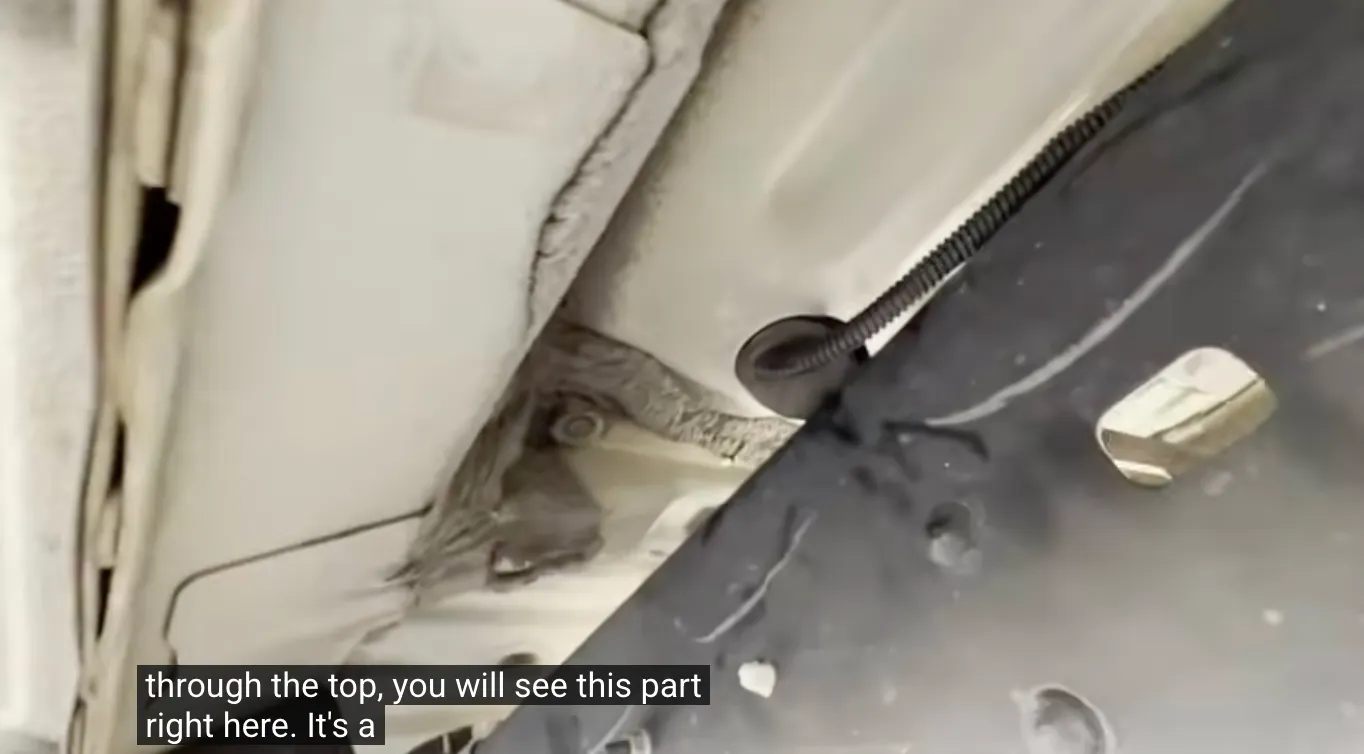
To free up your cigarette lighter socket and enable parking monitoring, use the Hardwire Kit.
Ground (Black Wire): Connect the black fork terminal to a solid metal chassis ground bolt. In the video, we utilized a bolt inside the engine bay near the battery.
Routing to Fuses: Feed the Red and Yellow wires through the firewall (using the same path as the front camera wire) to reach the internal fuse box located in the driver's footwell.
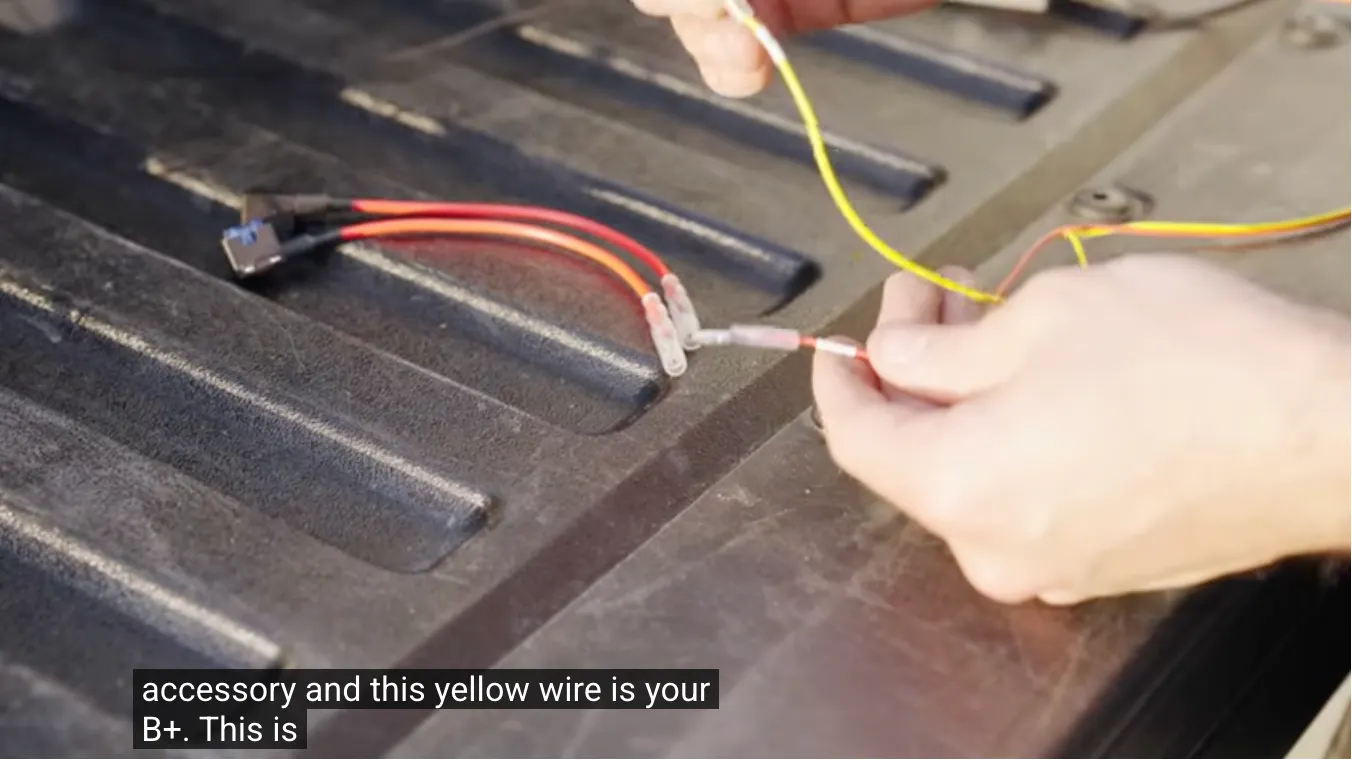
Fuse Taps:
Yellow Wire (B+): Connect this to a Constant Power fuse. This slot must have power (12V-30V) even when the ignition is off.
Red Wire (ACC): Connect this to an Accessory fuse. This slot should only receive power when the key is turned to the "On" position.
Pro Tip: Use a multimeter or your vehicle’s owner manual to verify your fuse slots before connecting.
📷Video Start: 00:06:48
Once all connections are made and wires are tucked away, start your truck to test the system. Check the front view, rear view, and shift into reverse to ensure the backup guidelines appear. If everything looks good, you're ready for the road!
